
Store owners already understand the effect of checkout friction on conversions. The real challenge comes in identifying how it needs to be changed and configured, and how it can be measured if the changes increase conversion rates.
This is where a proper PrestaShop One Page checkout implementation becomes useful. Instead of switching to a new checkout and simply hoping conversions improve, treat the process as a focused conversion optimization project.
1. Assess Your Current Checkout Performance
Before changing anything, establish a baseline.
Look at:
- Checkout starts versus completed orders
- Abandonment on mobile and desktop
- Guest versus registered customer behaviour
- Common payment and delivery choices
- Average order value
- Customer complaints related to checkout
- Points where shoppers appear to stop progressing
For example, if mobile customers abandon far more often than desktop users, reducing fields may help, but the real issue could also be scrolling, unclear error messages, or difficult address entry.
A PrestaShop One Step Checkout Addon should therefore be introduced after identifying the friction you actually want to remove.
2. Review the Information Required at Checkout
A shorter checkout does not mean removing information blindly.
Review every field and ask:
- Is it required for delivery?
- Is it needed for payment or tax calculation?
- Is it legally necessary?
- Does the business genuinely use it?
- Can it be requested after the order?
Just because a form field serves no particular purpose does not necessarily mean that it needs to be required. It might make more sense to hide it from customers and leave it as optional.
A business customer might require corporate or tax information, but not an individual customer will not. The goal is to make the checkout fit the order rather than make every customer complete the same form.
3. Provide a Clear Guest Checkout Option
Guest checkout should not simply be enabled and forgotten.
Open the store as a first-time visitor and ask:
Can I buy without creating an account, and is the guest checkout present or not?
A shopper making a one-time purchase may not want to choose a password before paying. At the same time, returning customers may prefer signing in and using their saved information.
With the PrestaShop One Step Checkout Addon by Knowband, merchants can structure these paths around actual customer behaviour. The important part is presentation: guest checkout should be genuinely accessible rather than technically available but visually hidden.
4. Structure the Checkout Around Customer Needs
Having everything on one page is not the whole solution.
The customer still needs to fill in the information, select the delivery, payment, check the order, and confirm it. When all these steps compete for the user’s attention, it does not matter if there are fewer steps or pages – the checkout process will be equally difficult.
Therefore, when implementing PrestaShop Checkout Optimization, combine the logical steps into groups:
- Customer information together
- Delivery choices where customers expect them
- Payment options after delivery information
- Order summary where the total remains easy to check
- The final purchase action clearly visible
Do note that the workflow is viewed from the customer side rather than the administrator side settings.
5. Improve the Checkout Flow for Mobile Browsers
Although a good checkout flow may work well on a computer, it could turn out to be terrible when using a mobile phone.
Run a real purchase test on mobile. Enter an address, correct a mistake, change delivery, select payment, and review the final amount.
Pay attention to:
- How much scrolling is required
- Whether fields are easy to tap
- Whether error messages appear where the mistake occurred
- Whether the keyboard hides important information
- Whether the order total remains clear
Knowband’s One Page Checkout solution supports responsive checkout and inline validation, while address tools can reduce repetitive typing. These capabilities matter most when they solve an issue found during testing, not simply because they are available.
6. Simplify Payment and Delivery Selection
More payment and delivery options can be useful, but displaying every possible option can create another decision problem.
Review which methods customers actually use. Then check whether particular delivery and payment combinations make sense for different locations or orders.
For example, if a payment method is unavailable with a particular delivery option, the checkout should not make the customer discover that conflict after several steps.
A PrestaShop Quick Checkout Addon should make these decisions easier to manage, not encourage merchants to display every available option.
7. Measure the Impact After Implementation
Once the new checkout goes live, do not judge it by appearance.
Compare it with the baseline:
- Checkout conversion rate
- Abandoned checkout rate
- Mobile conversion
- Guest checkout completion
- Average order value
- Revenue recovered from previously abandoned checkouts
Knowband’s Quick Checkout Addon for PrestaShop reporting capabilities can help merchants examine abandoned checkouts, generated and lost revenue, and checkout conversion. That gives the store owner something more useful than a simple “the new checkout looks better” assessment.
If abandonment improves overall but remains high on mobile, you have your next optimization target.
8. Continue Optimizing Based on Customer Behaviour
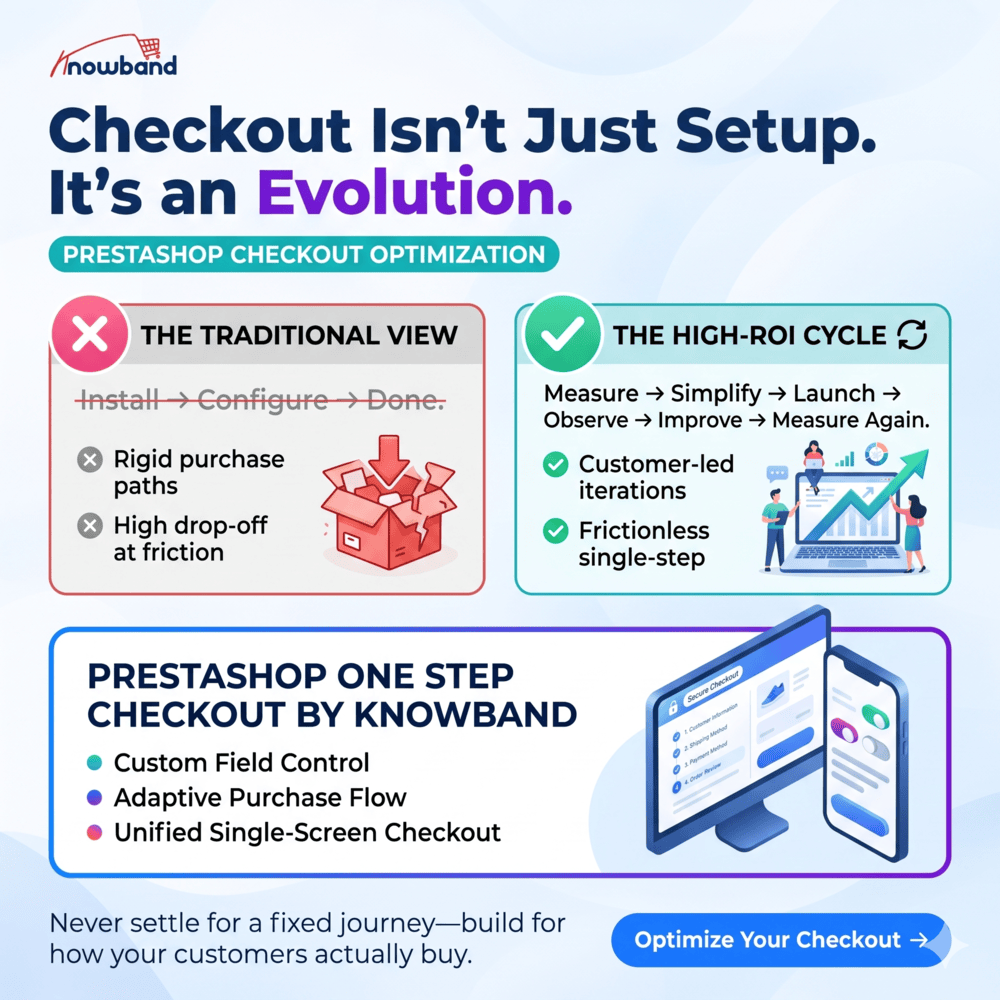
The best implementation is not:
Install → Configure → Done.
It is:
Measure → Simplify → Launch → Observe → Improve → Measure again.
PrestaShop Simplified Checkout Addon will allow merchants more flexibility in terms of fields, checkout options, and even the purchasing flow itself. However, always consider the behavior of the customer.
This is also where Knowband becomes relevant. Its PrestaShop One Step Checkout Addon gives merchants the flexibility to adjust the checkout instead of accepting a fixed purchase journey.
Make Checkout Optimisation Part of Your Revenue Strategy
The real opportunity is not simply having one page instead of several.
It is knowing which parts of the buying journey create unnecessary effort, fixing those areas, and measuring whether the changes produce better results.
For merchants considering PrestaShop One Page Checkout, the practical approach is simple: establish your current numbers, decide what customers actually need, configure the journey around those needs, test it properly, and keep improving it based on evidence.
That is how a checkout change becomes more than a design update; it becomes a measurable part of your revenue strategy.
Knowband’s One Page Supercheckout, which is also available on the Prestashop Addons, is worth evaluating when your current checkout does not give you enough control to make those changes.

